Announcements
Important news and updates
Posts
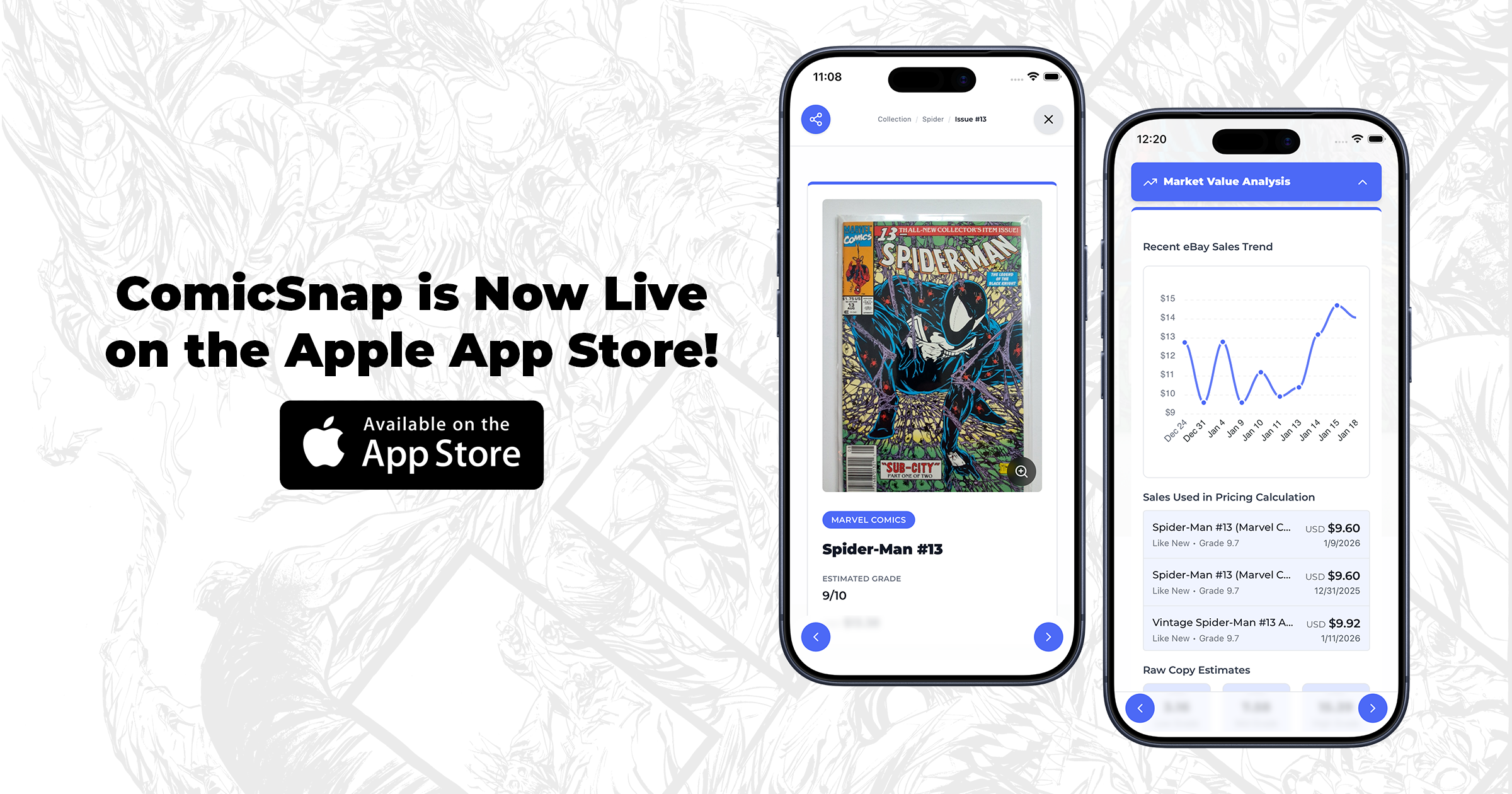
ComicSnap is Now Live on the Apple App Store
ComicSnap is officially live on the Apple App Store. Download the iPhone app to track your books, scan covers, discover key issues, and manage your collection in one place.

Introducing Key Finder: AI-Powered Key Issue Detection
Key Finder is a new AI-powered feature inside ComicSnap that analyzes a comic’s metadata and determines whether it qualifies as a key issue — and explains why.
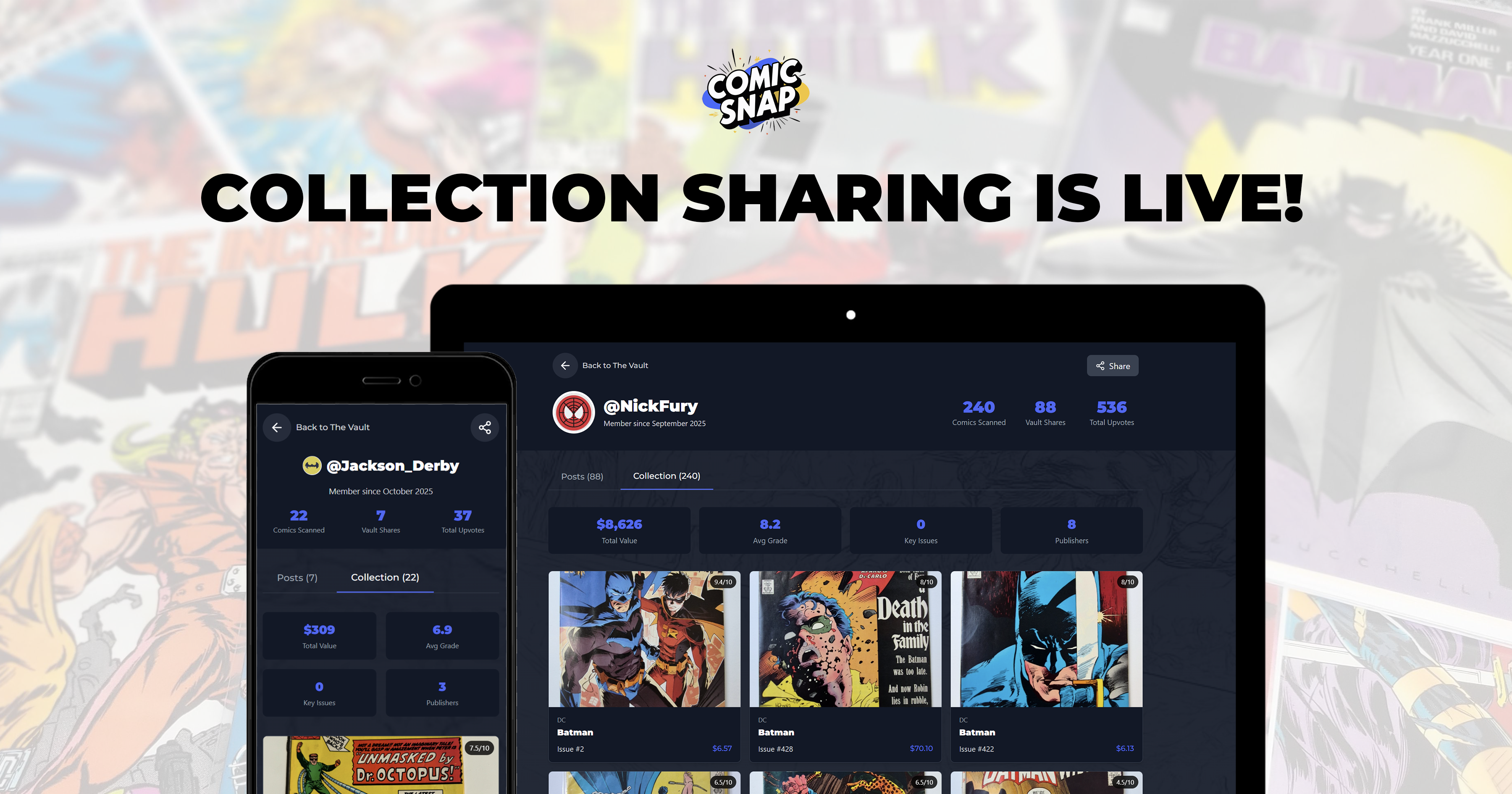
Introducing Public Collection Sharing to ComicSnap
Share your comic collection with the world! Enable public collection sharing to showcase your books, create shareable comic detail pages, and let others discover your collection—no login required.

Introducing Vault Profiles to ComicSnap
Discover the new Vault Profiles feature that lets you showcase your collection, explore other collectors' vaults, and share your profile with the comic collecting community.

Welcome to the ComicSnap Blog
Learn about comic collecting, grading, and how ComicSnap can help you manage your collection.